If you carry two laptops, you already know the problem. Most laptop backpacks have one padded pocket. The second laptop goes into the main compartment, pressed against chargers and a water bottle, and you hope for the best. Buyers who went looking for a proper two-laptop backpack tell us the same thing: there are very few, and fewer still that take a big machine.
This guide covers what actually matters when you carry two laptops, and which bag we would pick.
Who carries two laptops?
More people than you'd think:
- Field engineers, contractors and architects with a rugged work machine and a personal laptop.
- IT and support staff with a company laptop and a test or admin device.
- Creators and gamers with an 18-inch gaming laptop for heavy work and a lighter 16-inch one for everything else.
- Consultants and business travelers who keep client work on one machine and their own on another.
If you're one of them, the bag has to protect two expensive devices every day, not just the one it was designed around.
What to look for in a backpack for two laptops
1. Two separate laptop pockets, sized for your machines
This is the whole point. Each laptop should have its own pocket, so the two never rest on each other and nothing slides between them. Check both pockets. Many two-laptop bags have one proper sleeve and one thin slot meant for a tablet.
2. Measure the pocket, not the screen
Screen size is a rough guide. What matters is whether your laptop's width, height and thickness fit inside the pocket. Gaming laptops and mobile workstations are often thicker than the screen size suggests. Look for a bag that publishes internal pocket dimensions, then measure your laptop against them.
3. Protection where laptops get damaged
Laptops in backpacks usually get damaged at the corners and at the bottom, when the bag is set down hard. Look for reinforced corners on the big-laptop pocket, and a pocket that sits above the bottom of the bag rather than on it.
4. A harness built for the weight
Two laptops plus chargers is a heavy load. Padded shoulder straps alone won't carry that comfortably through an airport. Look for adjustable load straps that let you pull the weight in close to your back.
5. Room for everything that comes with two laptops
Two laptops means two chargers, often a mouse, a keyboard, cables and a tablet. A bag of around 40 liters gives that gear its own space, away from the laptop pockets.
6. Travel details
If you fly for work, a trolley strap that slides the bag over your suitcase handle takes the weight off your shoulders between gates. An RFID-blocking pocket protects cards and passports. A water-repellent exterior and a rain cover deal with the walk from the car park.
Our pick: Business 120 PRO
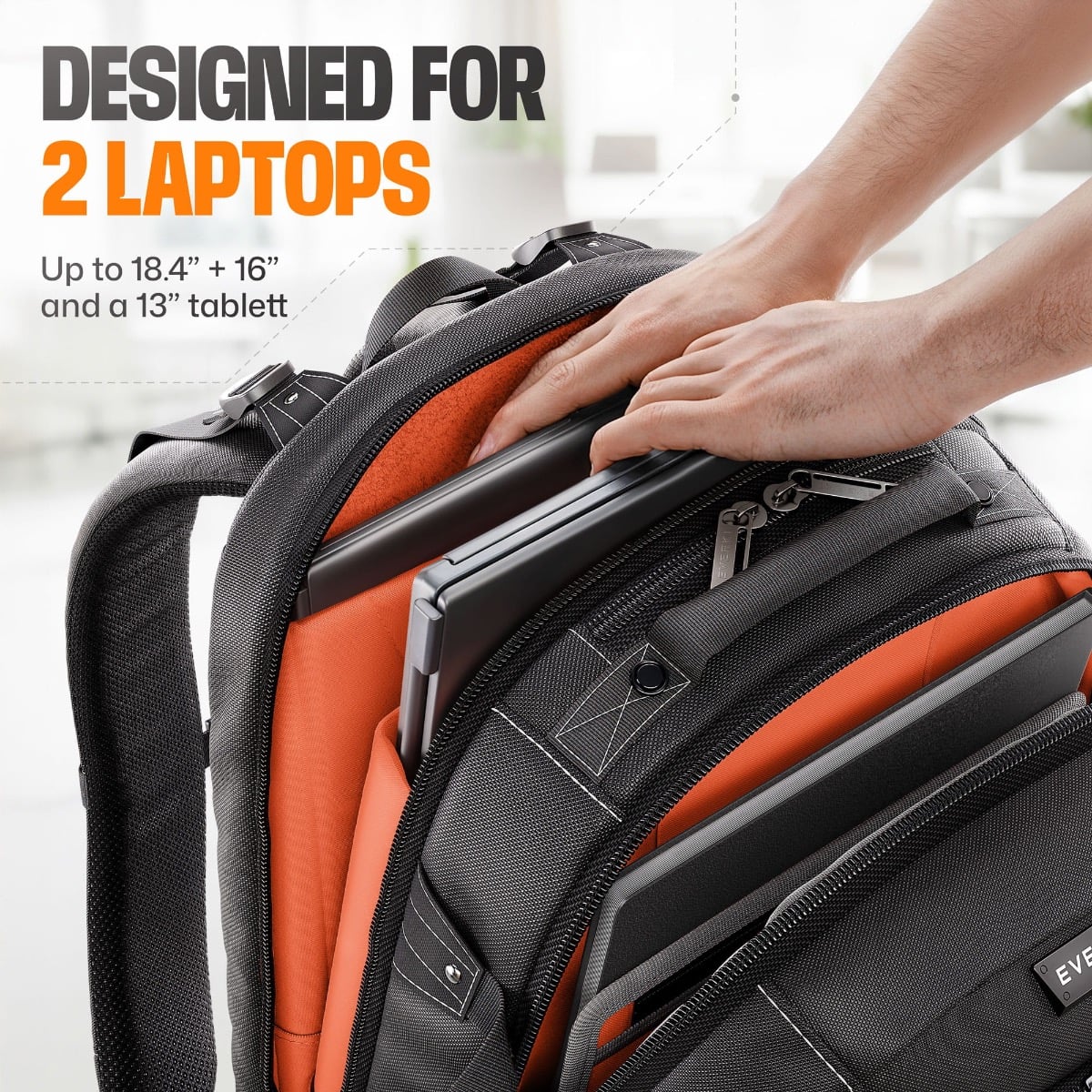
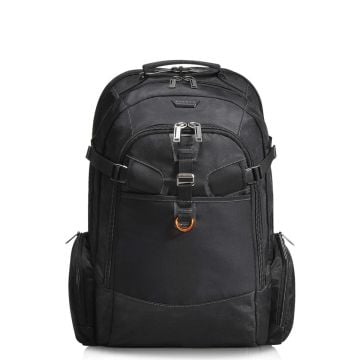
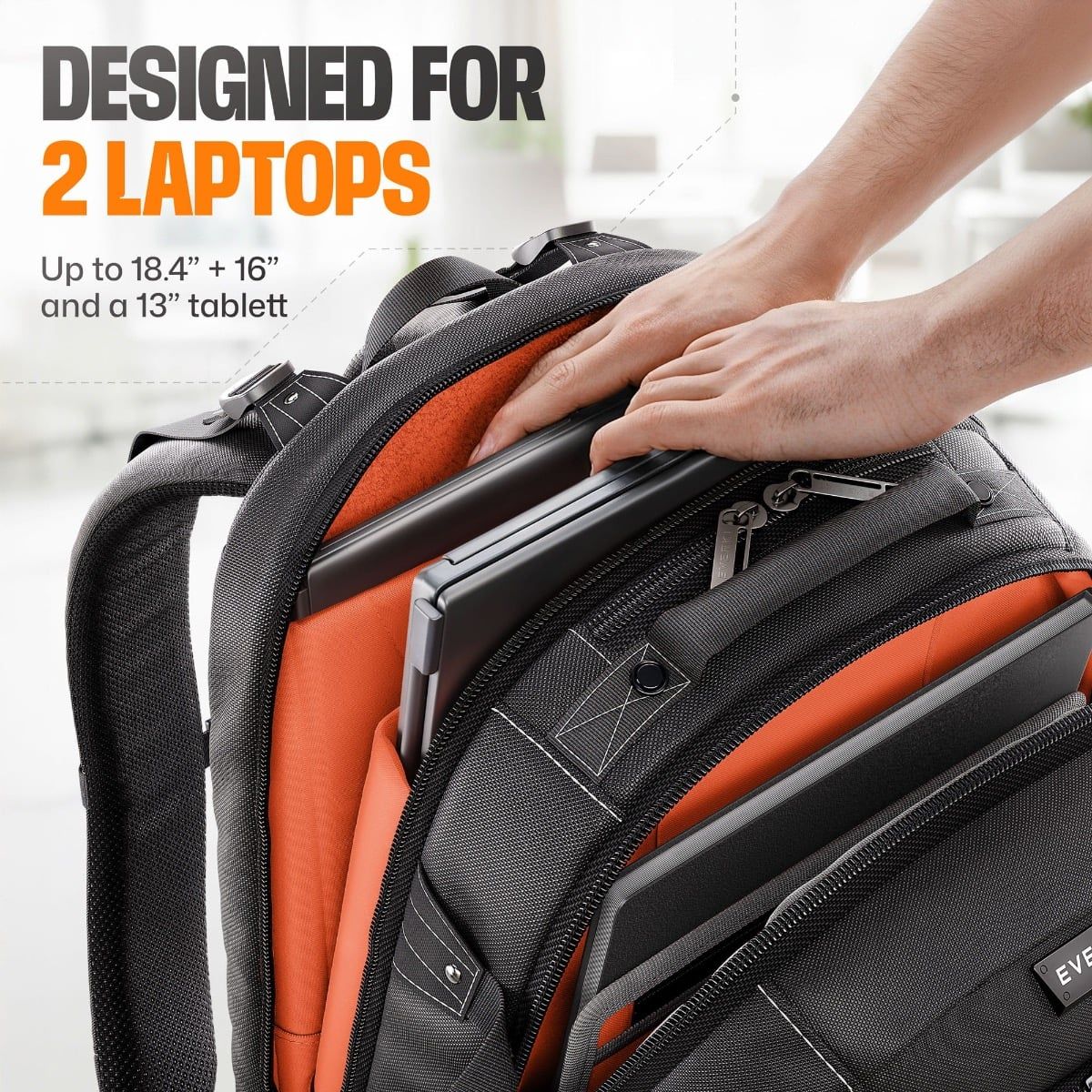
The Business 120 PRO was built for exactly this. It fits 2 laptops, 18.4 inch + 16 inch, in two separate laptop pockets inside one dedicated laptop compartment.
- The 18.4-inch pocket has Corner-Guard protection and takes a device up to 20.5 x 13 x 2 in (52 x 33 x 5 cm).
- The 16-inch pocket floats above the bottom of the bag and takes a device up to 15.6 x 10.6 x 1.6 in (39.5 x 27 x 4 cm). It also works for a portable monitor that fits those dimensions.
- The main compartment holds 40 L of chargers, peripherals and cables, plus a felt-lined tablet pocket for up to a 13-inch tablet.
- The 5-point balance strap spreads a full load across your back. A trolley strap slides it over a suitcase handle.
- An RFID pocket, a water-repellent exterior and an included rain cover handle travel and weather.
What owners say: they mention how hard it was to find a backpack for an 18-inch laptop at all, that both laptops travel without being crushed, and that the materials feel as tough as a hiking pack.
The trade-off: carrying two full-size laptops is never light. The bag itself weighs 5.4 lbs (2.47 kg), and it's a large backpack at 21.3 x 15 x 8.3 in. If you only ever carry one laptop, you don't need it.
If you'd rather roll: Atlas Wheeled 2
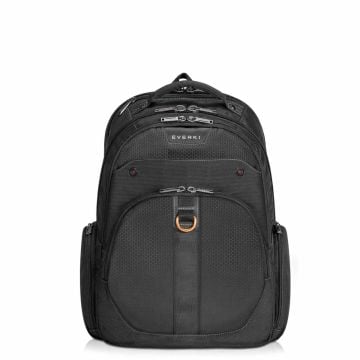
If your two laptops are 17.3 inches or smaller and you'd rather not carry the weight at all, the Atlas Wheeled 2 is a wheeled backpack that also carries two laptops: one in its removable laptop sleeve and one in the front wall pocket of the main compartment. It holds 30 L and has an RFID pocket and a 13-inch tablet pocket.
Only carrying one big laptop?
The Business 120 has the same 18.4-inch fit and 40 L of space, with one laptop pocket instead of two, at a lower price. See the Business 120
How to pack two laptops in one backpack
- Big laptop in the protected pocket. Put the larger, heavier laptop in the pocket with corner protection, closest to your back.
- Smaller laptop in the second pocket. Don't let it ride in the main compartment with chargers and bottles.
- Chargers and bricks in the main compartment, away from the screens.
- Tighten the load straps once the bag is on, so the weight sits high and close to your back.
- At security, take both laptops out as the checkpoint requires. Keeping them in fixed pockets makes that faster.
Still deciding between one bag and two? Read One backpack or two bags: the best setup for carrying two laptops.
Frequently asked questions
What's the best backpack for two laptops?
One with two separate laptop pockets, each sized for your machines, plus room for both chargers and a harness built for the weight. For an 18.4-inch laptop plus a 16-inch laptop, we'd pick the Business 120 PRO.
Can I carry two laptops in a normal backpack?
You can, but the second laptop usually ends up loose in the main compartment, pressed against other gear. That's where screens crack and corners dent.
What's the best backpack for an 18-inch laptop?
Check the pocket dimensions first. The Business 120 and Business 120 PRO both have an 18.4-inch pocket measuring 20.5 x 13 x 2 in (52 x 33 x 5 cm). See all 18 inch laptop backpacks.
Will a portable monitor fit?
In the Business 120 PRO, a portable monitor fits the 16-inch pocket if it's within 15.6 x 10.6 x 1.6 in (39.5 x 27 x 4 cm).
Is the Business 120 PRO waterproof?
No. The exterior is water-repellent, and a rain cover is included for heavy rain.