30-Second Summary
- Learn how to turn your work backpack into a structured, efficient tech hub for better productivity and device protection.
- Discover practical steps for organizing laptops, chargers, cables, and accessories using smart compartment strategies.
- Improve daily workflow, reduce clutter, and enhance travel efficiency with professional backpack organization method
Your work backpack is more than just a bag. It is your mobile workstation, your tech hub, and often the difference between a smooth day and a stressful one. When laptops, chargers, adapters, and accessories are thrown together without a system, even the simplest task can turn into a frustrating search. A well-organized backpack, on the other hand, helps you stay focused, prepared, and professional wherever your work takes you.
Professionals who choose thoughtfully designed gear understand that organization is not just about neatness. It is about working smarter, protecting valuable devices, and maintaining efficiency throughout busy schedules. If you are commuting to the office, working remotely, or traveling between meetings, a properly organized backpack supports productivity and confidence.
This guide will walk you through practical, professional strategies to help you organize your tech essentials effectively inside your work backpack. Here is how to organize a backpack and work efficiently:
Why Organization Matters for Tech Professionals
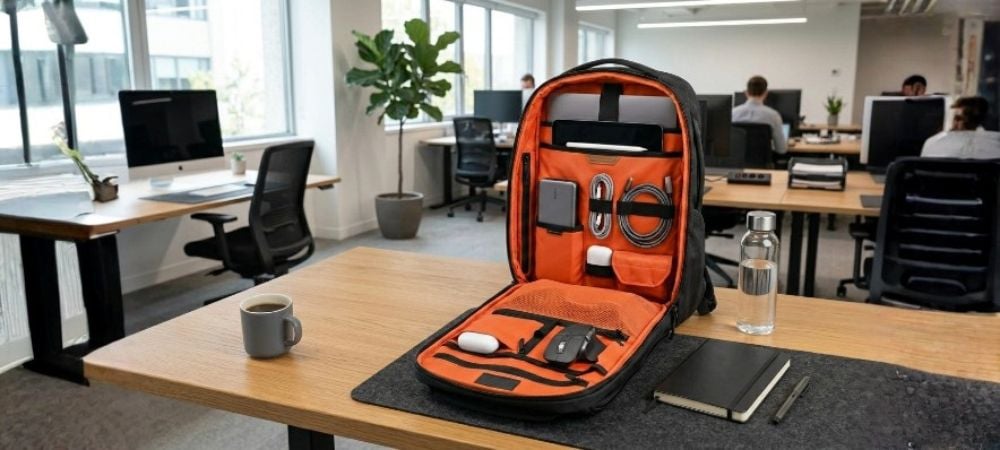
Before diving into practical steps, it is important to understand why organization matters. Technology devices are expensive and sensitive. Poor organization can lead to damage, tangled cables, or forgotten items.
A well-organized bag helps you:
- Protect your devices from damage
- Access items quickly when needed
- Reduce clutter and unnecessary weight
- Maintain a professional appearance
- Improve productivity during travel and work
When everything has a place, your daily routine becomes smoother and more efficient.
Start With the Right Backpack
Your organization begins with choosing the right Laptop Backpack. Not all backpacks are designed for tech gadgets organization. Some offer minimal compartments, while others are specifically built for professionals carrying multiple devices.
Look for bags that provide:
- Dedicated laptop compartment
- Tablet or secondary device sleeve
- Multiple accessory pockets
- Cable management compartments
- Padded protection for electronics
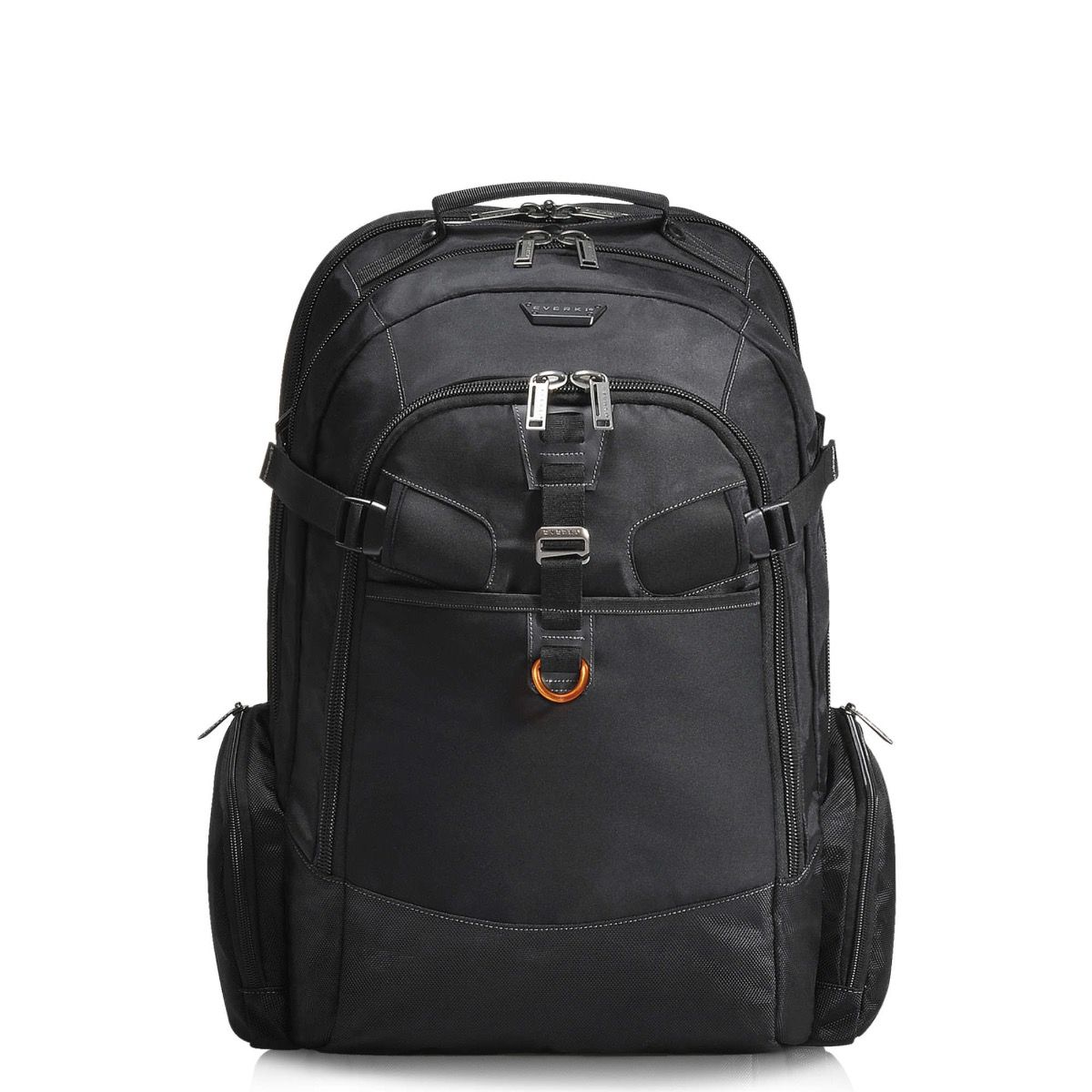
Choosing a backpack with thoughtful compartment design makes organizing much easier from the start. For example, Onyx Premium Business is Ideal for executives who need structured compartments and a polished professional look.
Identify Your Daily Tech Essentials
Before organizing, lay everything out. This helps you identify what you actually need daily. Many professionals carry unnecessary items that add weight and clutter.
Common tech essentials include:
- Laptop
- Tablet or e-reader
- Smartphone
- Chargers
- Power bank
- Mouse
- Headphones
- USB drives
- External hard drive
- Notebook and pen
Once you know your essentials, you can organize them strategically.
Use Dedicated Laptop Compartment
Your laptop is the most valuable item in your bag. Always place it in a dedicated padded compartment. This protects your device from impact and prevents scratches.
Make sure:
- The laptop fits snugly
- The compartment has padding
- The sleeve is separate from other items
Avoid placing accessories in the laptop compartment, as this can cause pressure and potential damage. A bag like Atlas Business laptop backpack is best for heavy tech users who carry multiple devices and require maximum storage efficiency.
Group Accessories Together
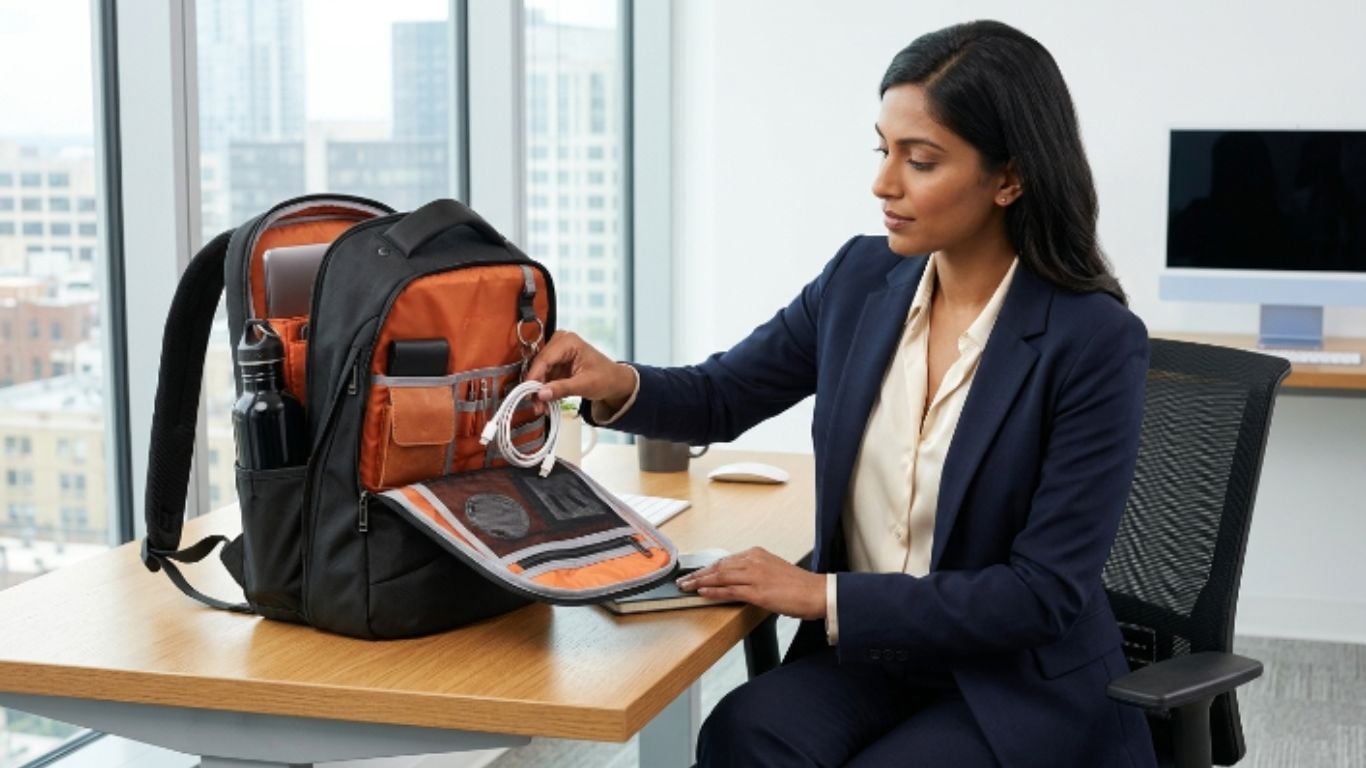
One of the most effective ways to organize your bag is grouping similar items together. This reduces clutter and helps you locate items quickly.
For example:
- Chargers in one pocket
- Cables in another section
- Mouse and adapters together
- Storage devices in a secure pocket
Using this method makes your bag feel structured rather than chaotic.
Use Cable Management Techniques
Cables are often the biggest source of clutter. Tangled cords not only look messy but can also damage connectors.
Try these cable organization techniques:
- Use cable ties or straps
- Roll cables instead of folding
- Store cables in small compartments
- Keep frequently used cables easily accessible
Utilize Small Compartments for Accessories
Modern backpacks often include small pockets designed for accessories. These are perfect for storing smaller items such as:
- USB drives
- SD cards
- Adapters
- Earbuds
- Stylus pens
Using these compartments prevents small items from getting lost at the bottom of your bag.
This is especially helpful when carrying multiple laptop bag accessories that need quick access throughout your day.
Balance Weight Distribution
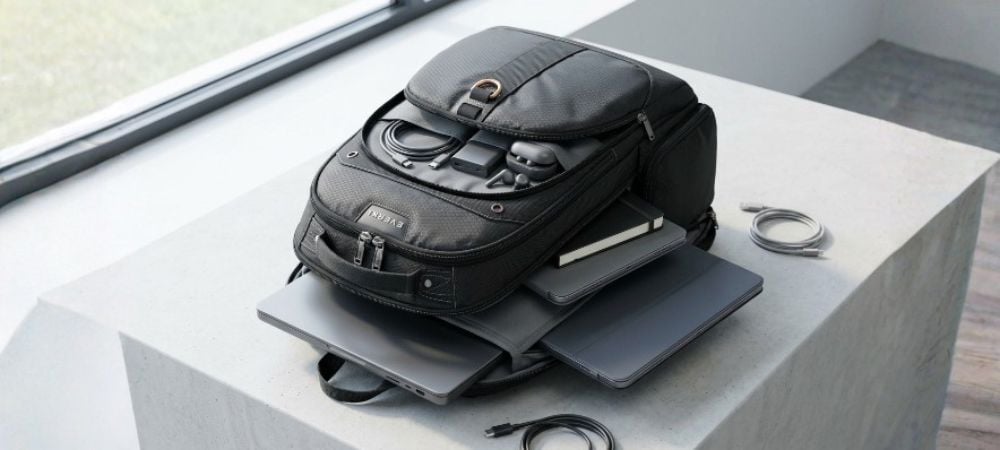
Proper weight distribution is essential for comfort and device protection. Place heavier items closer to your back to maintain balance.
Best weight distribution strategy:
- Laptop near your back
- Tablet or notebook in middle compartment
- Accessories in front pockets
- Small items in top pockets
Balanced weight reduces strain on your shoulders and improves posture.
Keep Frequently Used Items Accessible
Think about what you use most often during the day. These items should be placed in easily accessible pockets.
Common frequently used items:
- Phone charger
- Notebook
- Earbuds
- Power bank
- ID or wallet
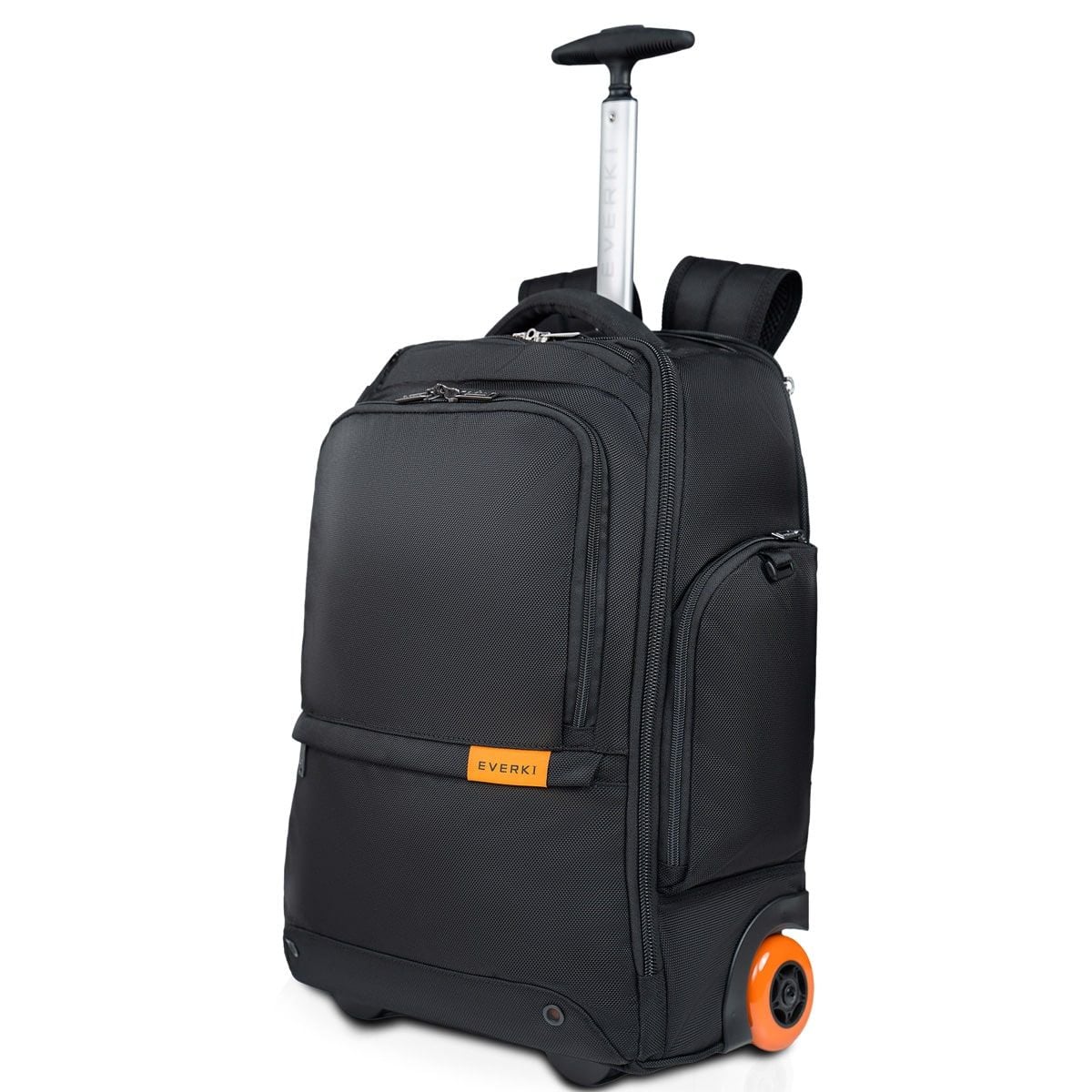
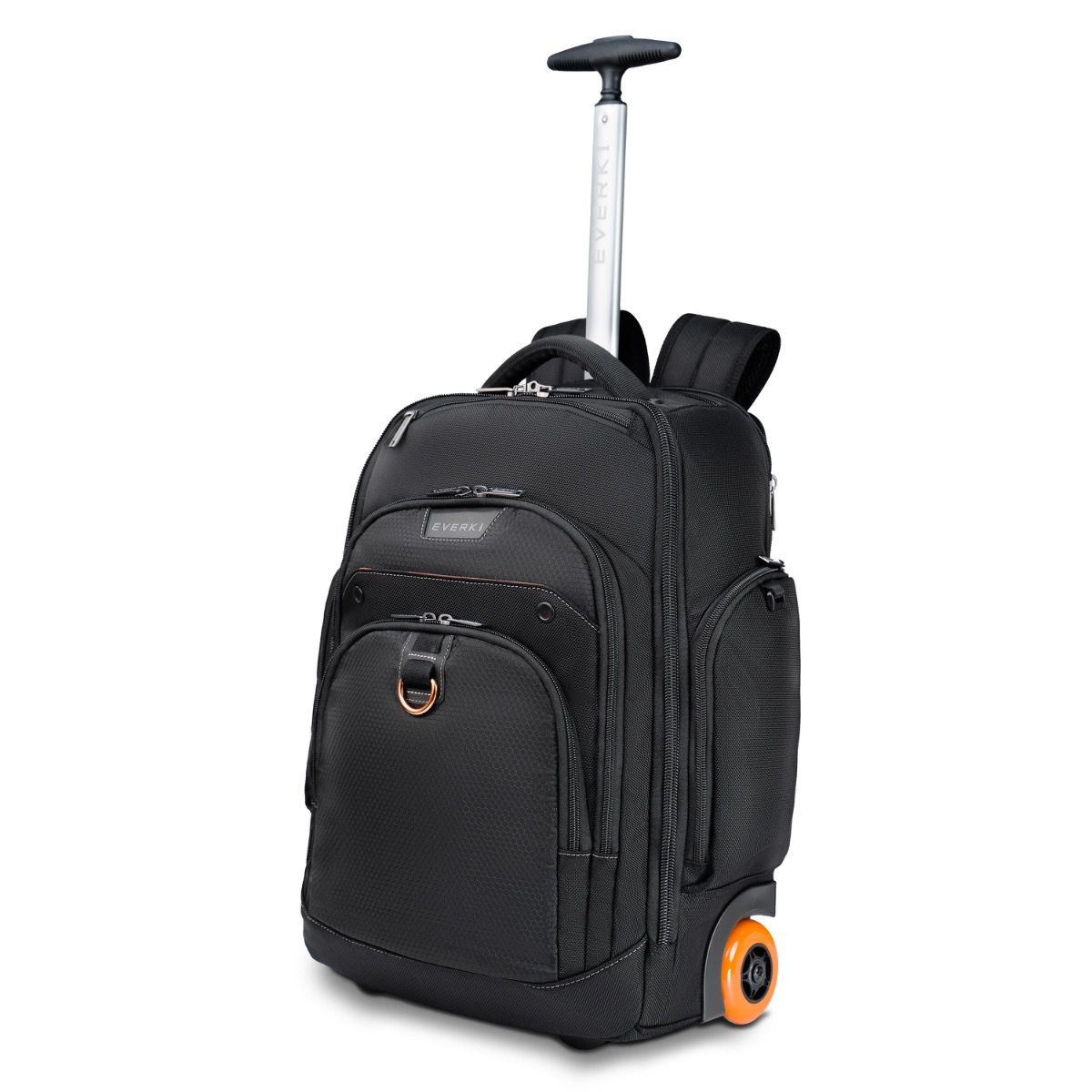
Quick access reduces the need to open your entire bag repeatedly. Versa Premium is perfect for commuters and frequent travelers who need quick access and smooth airport transitions.
Create a Daily Essentials Section
Every professional carries certain non-tech items. These should also be organized properly.
Examples of work bag essentials include:
- Wallet
- Keys
- Business cards
- Hand sanitizer
- Water bottle
- Snacks
Designate a specific section for these items to keep them separate from your electronics.
Use a Modular Organization Approach
Modular organization means using small pouches or sections within your bag. This method is ideal for professionals carrying multiple devices.
Benefits of modular organization:
- Easier packing and unpacking
- Reduced clutter
- Improved accessibility
- Better protection for devices
This approach works especially well inside a tech backpack designed with multiple compartments.
Maintain Minimalism
Overpacking is one of the biggest mistakes professionals make. Carry only what you truly need.
Ask yourself:
- Do I use this daily?
- Can I leave this at the office?
- Is this item necessary today?
Minimalism improves comfort and efficiency.
Organize for Travel Efficiency
When using your backpack during travel, organization becomes even more important. A well-organized bag makes airport security, commuting, and meetings easier.
When packing a laptop backpack for travel, consider:
- Quick-access laptop compartment
- Organized cable storage
- Easy-access documents pocket
- Passport and essentials section
This helps you move smoothly through your journey.
Look for Smart Organizational Features
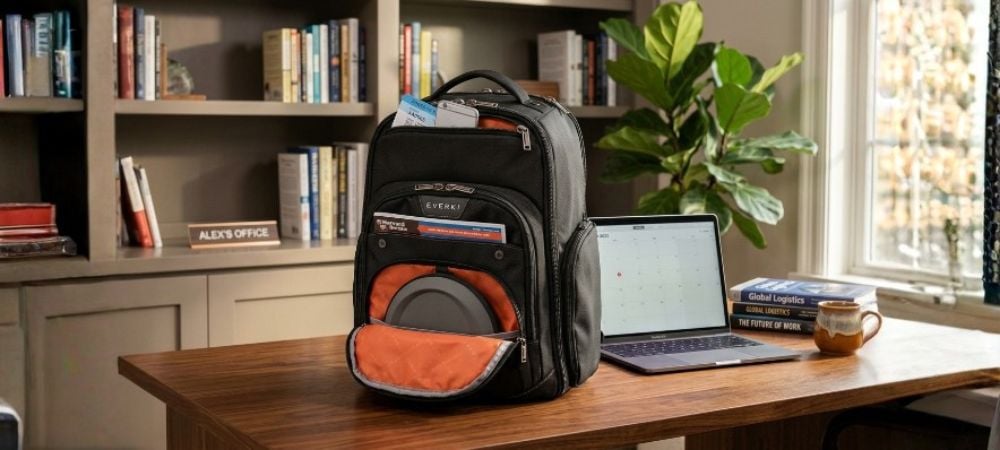
Some backpacks offer advanced organization features that enhance usability. These best work backpack features include:
- RFID pockets
- Hidden compartments
- Cable management systems
- Checkpoint-friendly laptop compartments
- Structured interior layout
Choosing these features makes organization easier and more efficient.
Conclusion
A well-organized backpack is more than a convenience; it is a productivity system that supports your entire workday. When you structure your devices, manage your accessories, and maintain consistent habits, your backpack becomes a reliable extension of your professional life.
From daily commutes to international travel, organization ensures that your tools are always ready when you need them. By applying these strategies and choosing the right gear, you create a setup that reduces stress, improves efficiency, and enhances your overall workflow.
With a thoughtfully designed system and a quality backpack, staying organized becomes second nature.
To experience this level of performance and organization every day, shop the best quality backpacks from EVERKI and upgrade the way you carry your tech essentials.
FAQs
1. What is the best way to organize tech essentials in a work backpack?
The best approach is to group similar items together, use dedicated compartments for devices, manage cables properly, and keep frequently used items in easily accessible pockets. This creates a structured system that improves efficiency and reduces clutter.
2. Why is a specialized tech backpack better than a regular backpack?
A specialized tech backpack is designed with padded compartments, cable management systems, and structured layouts that protect electronics and keep them organized. Regular backpacks usually lack these features, increasing the risk of damage and disorganization.
3. How can I prevent cables from tangling in my backpack?
You can prevent cable tangling by using cable ties, rolling cables instead of folding them, and storing them in separate small pouches or compartments. Keeping them grouped by use also helps maintain order.
4. What should I always carry in my work backpack?
Essential items include your laptop, charger, power bank, phone, headphones, and basic work tools like a notebook or pen. These work bag essentials ensure you stay productive throughout the day without unnecessary clutter.
5. How often should I reorganize my backpack?
It is best to reorganize your backpack daily by removing unused items and resetting your layout. A deeper clean-up once a week helps maintain long-term organization and prevents buildup of unnecessary items.