30 Seconds Summary
- You should plan your travel gaming setup before you start packing. Only bring the devices and accessories that you will actually use.
- Pack smart by grouping devices by size, using padded compartments, and keeping cables in labeled pouches.
- You should keep your devices powered by packing chargers and power banks, and keep yourself comfortable with noise-cancelling headphones.
- On business trips, you should separate work and gaming items. A bag with multiple compartments will help you stay organized.
Traveling with gaming gear can be tricky. You have a laptop, consoles, controllers, and cables to carry. If you pack incorrectly, things can get damaged or lost. But with the right plan, travel can be easy and fun.
This guide will show you how to pack, protect, and carry your gaming gear safely. You will learn how to set up your travel gaming setup, choose the best backpack, and bring the right accessories.
It does not matter if you are traveling for work or fun; these tips will help you keep your gear safe and ready to use
Why Do You Need a Plan to Travel with Your Gaming Gear?
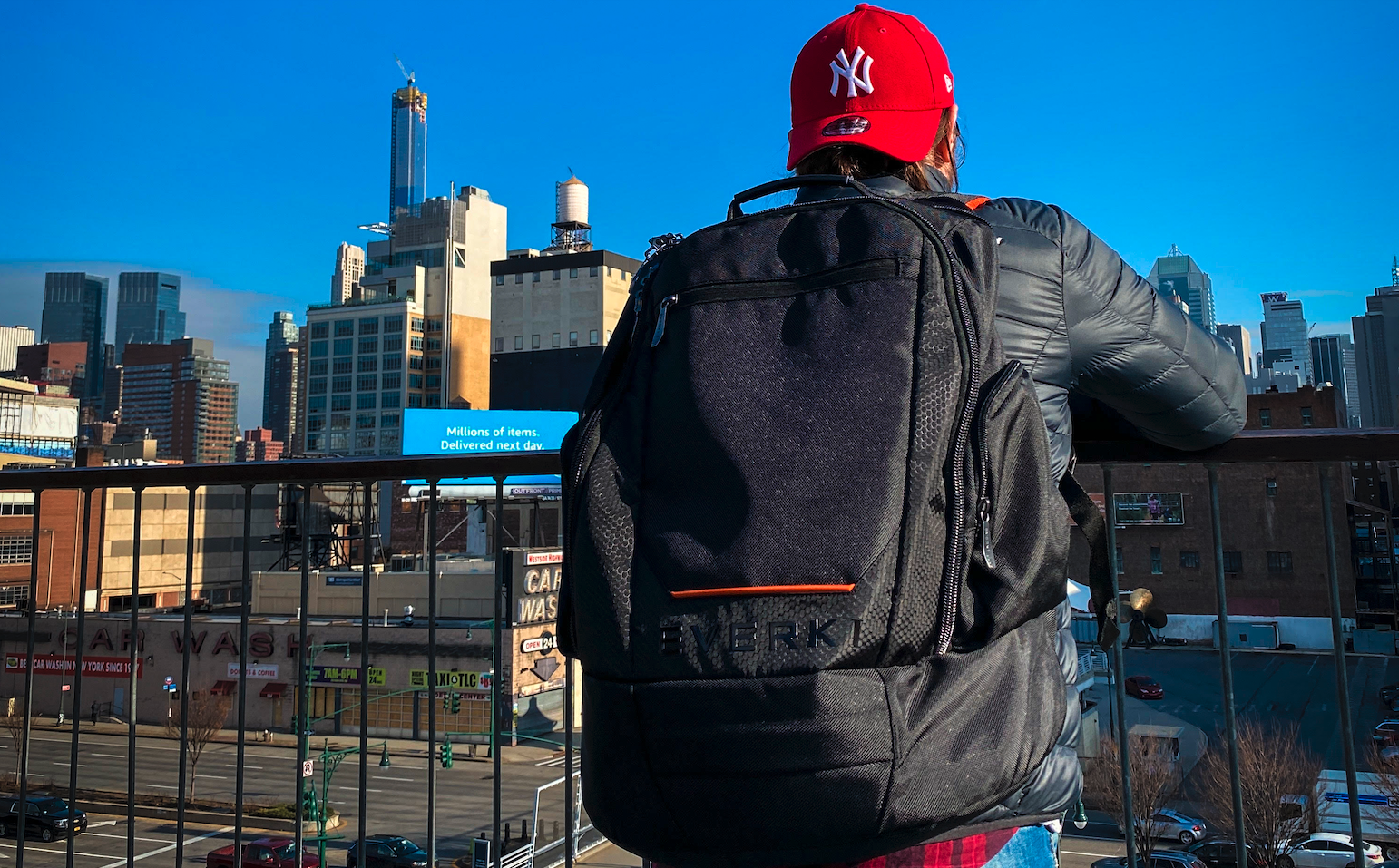
Carrying gaming gear while traveling can be stressful. You have laptops, handheld consoles, controllers, and all the cables to think about. Without proper planning, things can get broken, lost, or messy. Organizing your portable gaming gear before you leave makes your trip much smoother.
Even a short work trip or a weekend tournament can go wrong if you don’t pack carefully. Studies show that electronics are among the items most damaged in luggage. That is why smart tech packing is not just a good idea, it’s necessary.
How to Build Your Ideal Travel Gaming Setup?
Before you start packing, it helps to know exactly what you will use. A good travel gaming setup keeps things balanced between power and ease of carrying.
Ask yourself a few questions:
- Which devices will I actually need on this trip?
- Will I need internet or online access everywhere?
- Which accessories are truly important?
For many travelers, a laptop or a handheld console can cover most needs. The laptop handles big games, streaming, editing, and even work tasks. A handheld console is great for quick gaming while waiting at airports, on planes, or during long train rides.
Here’s a simple way to plan your gear:
- Make a list of your tech essentials.
- Stick to that list; don’t pack extra gadgets you won’t use.
- Choose devices that are versatile. One laptop can replace multiple smaller devices.
- Include only essential Steam Deck accessories or gaming peripherals.
Remember to pack items that make your trip easier and don’t weigh you down. Thoughtful planning makes gaming on the go fun instead of stressful.
If you are bringing a Steam Deck, consider a professional backpack for the Steam Deck. It keeps your console safe, along with cables and accessories, while making travel easier.
Choose the Right Backpack for Your Trip
The backpack you pick can make a big difference. A travel backpack for gamers must protect delicate devices and be comfortable on your shoulders. You need compartments for laptops, consoles, cables, and smaller accessories.
The Everki ContemPRO 117 Laptop Backpack is a great tech backpack for travel. It has a dedicated, felt-lined laptop compartment that fits laptops up to 18.4 inches. This keeps your computer snug and safe. There are also special pockets for your keyboard and headphones. This stops cords from tangling and prevents scratches on your devices.
Other features of the ContemPRO 117 include:
- Water-resistant rain cover for rainy days
- Ergonomic padding and chest straps for long trips
- Multiple pockets for better organization
- Trolley handle pass-through for easy airport travel
- Durable zippers to last for years
A backpack that fits your gear well protects your investment. It also makes packing and unpacking faster every time.
Check out Everki’s laptop backpack for travel to stay organized and secure on every trip.
Smart Tech Packing Strategies
After choosing your gear and backpack, it’s time to pack smart. Good tech packing saves space, prevents damage, and keeps you ready for gaming on the go.
Here are some simple steps:
- Group devices by size and fragility. Heavy items like laptops go at the bottom; lighter gadgets go on top.
- Wrap screens in soft cloth or sleeves.
- Use cable ties or small pouches to keep cords neat.
- Pack chargers and adapters in an easy-access pocket.
One trick many gamers use is to carry a small “first‑access gear” pouch. This pouch includes items you need most while traveling, such as a power bank, earbuds, USB drives, and any quick‑reach cables. That way, you don’t have to open your main bag every time.
Label each pouch. A simple tag can save time when you're in a rush.
For more tips on organizing all your gear, have a look at Everki’s packing lists for travel to keep things simple.
Travel Ready Devices: From Laptops to Consoles
Good gaming starts with the devices you bring. A strong laptop gives you full game libraries, streaming options, and creative tools. Always place it in a safe compartment like the one in the ContemPRO 117. This keeps it snug and prevents scratches.
Handheld consoles are lighter and easier to carry. They are perfect for waiting at airports or on planes. Pair them with Steam Deck accessories or portable controllers for longer gaming sessions.
Smartphones also count as part of your mobile gaming gear. They are small, convenient, and good for short games. Make sure they are cushioned and not pressed against heavier items.
Some gamers take tablets that double as screens or controllers. Every extra device adds weight and complexity. Only pack what you really use.
Console Protection and Accessory Safety
Your consoles and accessories need extra care. Cables, controllers, and headsets are delicate. They need padding and separate pockets.
- Controllers: Store in soft cases or padded pockets. Never place them under heavy items
- Gaming peripherals: Keep small items like mice, thumb grips, and batteries in labeled pouches
- Moisture and dust: Protect electronics from water and dirt. Anti-static bags help for smaller devices
For bigger consoles, consider a hard case if you expect rough handling. It costs more but gives you better protection. Most travel damage comes from pressure and movement inside bags, not drops. Pack snugly and test your backpack before leaving.
Tips for Accessory Safety:
- Keep cables organized with ties or pouches.
- Use separate pockets for controllers and peripherals.
- Consider anti-static bags for small electronics.
- Test your backpack for fit and protection before travel.
Keep Your Electronics Charged and Yourself Comfortable on the Road
Dead batteries are a big problem for gamers on the go. Always bring:
- A reliable power bank
- Chargers for all devices
Some power banks can charge laptops and phones at the same time. That means less waiting and more gaming while traveling.
Noise-cancelling headphones are essential. They block distractions in noisy airports or buses. With them, you can focus, hear details, and enjoy your games.
Keep chargers and accessories easy to reach. Don’t bury them at the bottom of your bag. Use quick-access pockets for essentials like cords and earbuds. You’ll thank yourself later.
How to Travel with Your Work Laptop and Gaming Gear?
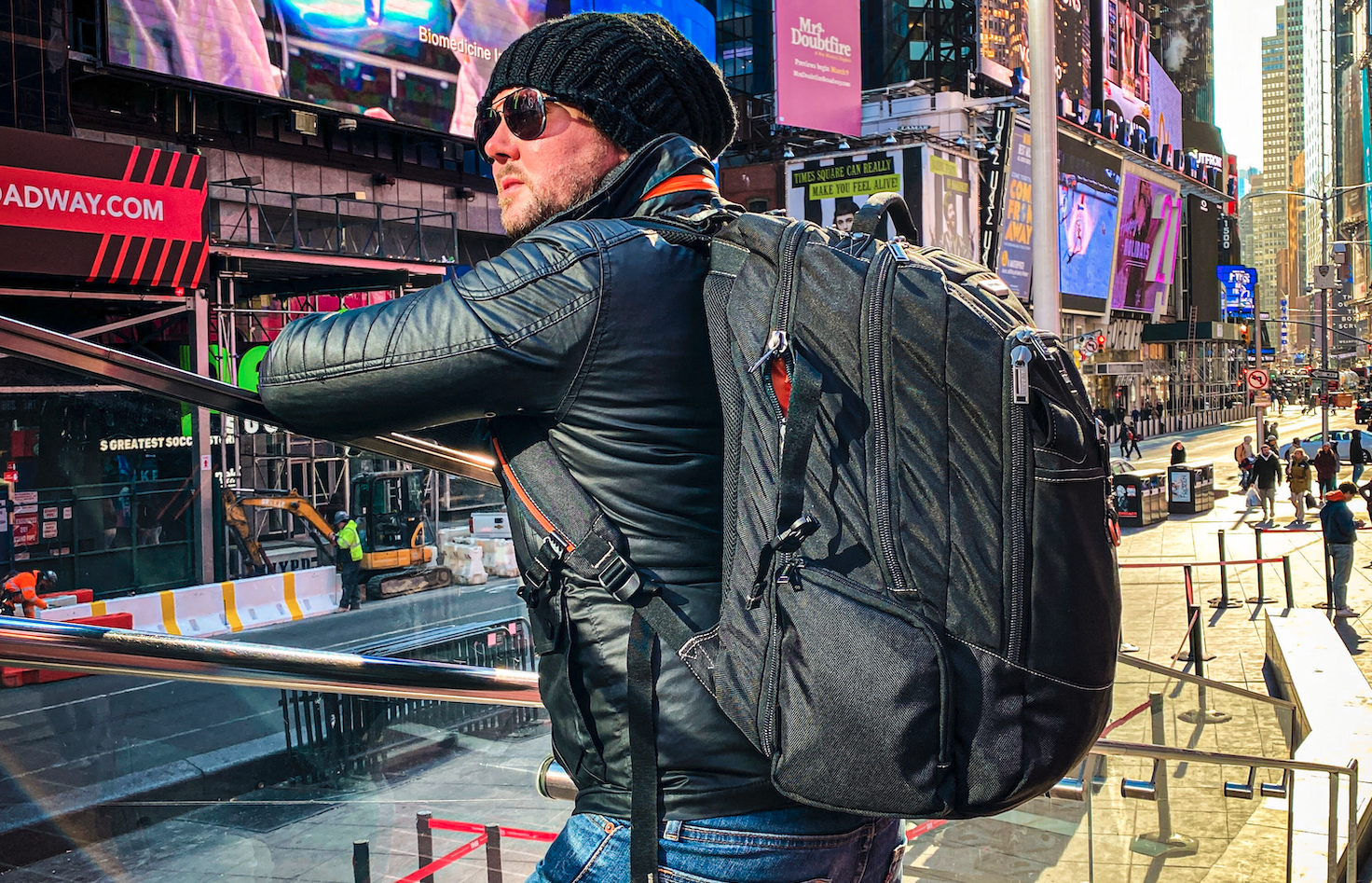
Even when you’re on a work trip, you still want some fun. Gaming helps you relax after meetings or long flights. But to enjoy it, you need a plan.
When planning your trip, pack your business travel gaming gear carefully. A backpack for a laptop and a gaming console works best. Your laptop stays ready for presentations. Your console stays ready for games.
This way, nothing gets tangled, and you can find what you need fast. Your controller won’t get stuck with your laptop cord.
The Everki Business 120 PRO is a great choice for business travel with gaming gear. It fits laptops up to 18.4 inches. The smart compartments help keep your work tools and gaming gear organized. You can store your controllers, headphones, chargers, and cables without crowding your bag.
Travel smart and keep your laptop and gaming gear safe with Everki’s laptop backpack with wheels.
Common Travel Mistakes to Avoid
Traveling with gaming gear can be hard. Some mistakes can cause damage to your devices.
- Always use padding. Do not put laptops and consoles together without protection. They can scratch or break.
- Remember to pack adapters. Different countries have different plugs. Bring extra cables too.
- Back up your files. Save game progress and important work on a cloud or external drive.
- APack by weight. Put heavy items at the bottom and light ones on top.
Following these tips will keep your travel gaming setup safe and make your trip easier.
Over to You
Traveling can be fun, and you can still play your games. You need to plan what to bring and pack carefully. A travel backpack for gamers will keep your devices safe. This also makes airport checks easier. Check out the Everki laptop backpack for travel to keep your gaming gear safe and ready for every trip. Pack up and level up your travels today with Everki!
FAQs
Q: What is the best way to protect my gaming laptop while traveling?
A: You should use a backpack that has a soft, padded compartment. It should fit your laptop snugly.
Q: Can I use a normal backpack for gaming gear?
A: A normal backpack may not protect your consoles and accessories well. A travel backpack for gamers is safer and keeps your gear organized.
Q: How do I pack cables and small accessories?
A: You should put cables and small accessories in separate pouches. This way, they will stay neat and won’t get tangled.
Q: Is it safe to put gaming gear in checked luggage?
A: No, electronics can get damaged in checked bags. Always carry them in your carry-on bag for safety.
Q: What should I do if I have many devices to carry?
A: You should use a backpack with many compartments and padding. Keep fragile items separate from heavy ones. Pack carefully to avoid damage.