30-Second Summary
- Most airlines allow two laptops in carry-on bags if they meet size limits and follow TSA security rules.
- Understanding carry-on vs. personal items helps travelers pack laptops safely and keep them accessible during flights.
- A well-designed laptop backpack with padded compartments protects both devices during travel and security checks.
- Smart packing and a reliable two laptop backpack help professionals travel comfortably while protecting their devices.
Have you ever wondered, “Can I bring two laptops on a plane?” If you travel for work, manage multiple projects, or carry both a personal and professional device, this question likely comes up before every flight. Many mobile professionals worry about airport security checks, device safety, and whether their bag can truly protect two laptops during travel.
Carrying multiple devices requires smart planning. You need to understand airline policies, carry-on vs. personal items rules, and how TSA regulations affect the way electronics are screened at airports.
Today, traveling with two laptops is common for consultants, entrepreneurs, and remote professionals. The key is packing efficiently and choosing a reliable laptop backpack that keeps devices protected, organized, and easy to access throughout your journey.
This guide explains everything you need to know!
Can You Bring Two Laptops on a Plane?
The short answer is yes. Most travelers can legally carry two laptops on a flight under airline and airport security guidelines.
Airlines typically allow passengers to bring electronic devices in their carry-on luggage. Laptops are considered personal electronics, and there is usually no strict limit on the number you can carry, as long as they fit within the airline’s baggage allowance.
However, travelers must still follow TSA regulations, which require laptops to be screened separately during security checks unless you are using a checkpoint friendly bag designed to simplify the process.
In most cases, you can carry your laptops in either:
- Your main carry-on bag
- A personal item such as a laptop bag
The main restriction comes from airline baggage size and weight limits, not the number of devices themselves.
Understanding Carry-On vs. Personal Items
Before packing two laptops, it helps to understand the difference between carry-on vs. personal items when flying.
Most airlines allow passengers to bring:
- One carry-on suitcase
- One personal item
A personal item is usually something smaller that fits under the seat, such as:
- A purse
- A briefcase
- A laptop backpack
Many business travelers prefer to place both laptops in their backpack while using the overhead carry-on suitcase for clothes and other travel essentials.
This setup offers several advantages:
- Devices remain within reach during the flight
- Laptops stay protected in padded compartments
- Airport security screening becomes easier
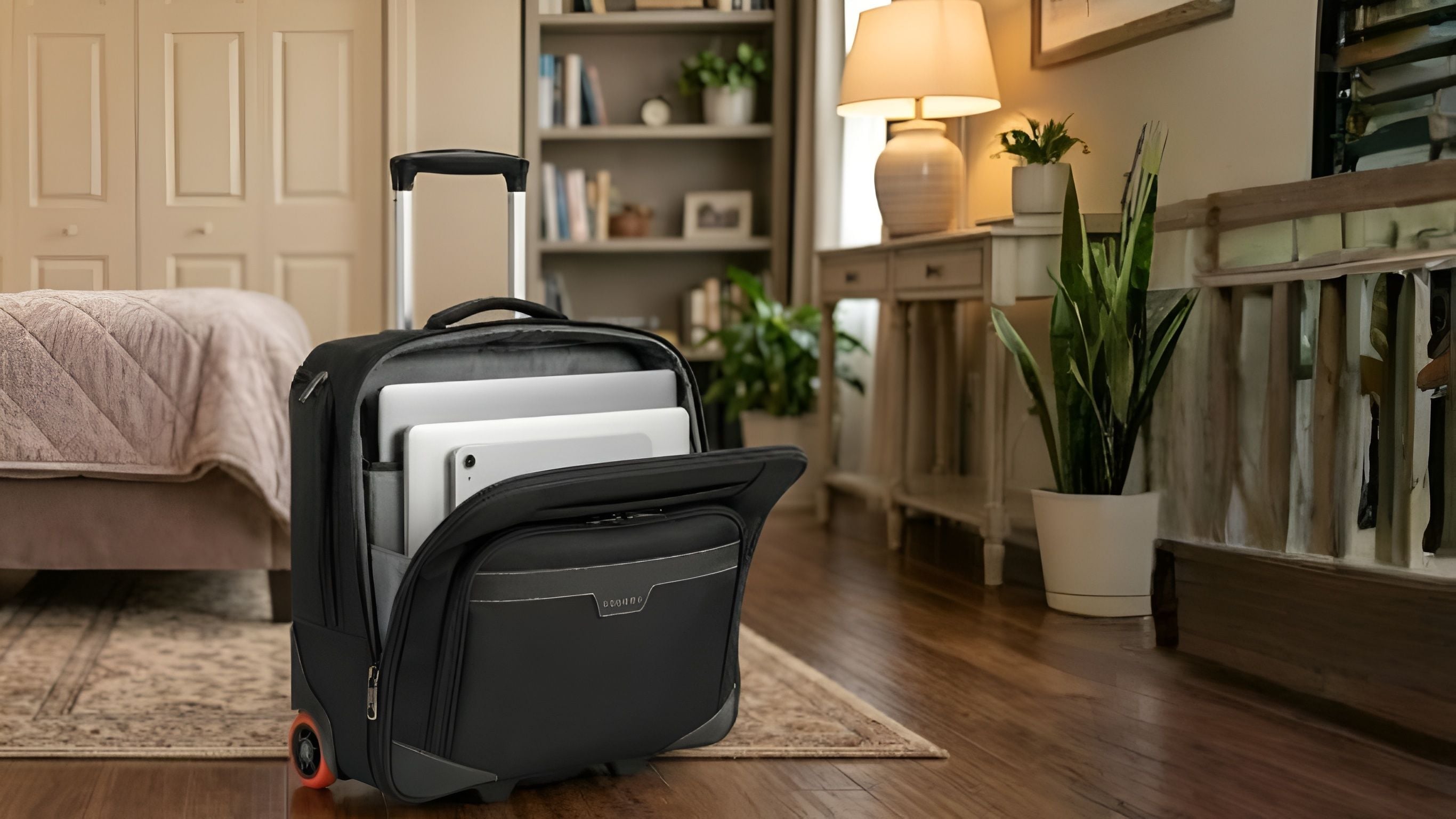
A well designed two laptop backpack, like Atlas Wheeled 2 from Everki, can comfortably function as a personal item while holding both devices and accessories.
TSA Regulations for Traveling With Laptops
When passing through airport security, travelers must comply with TSA regulations related to electronic devices.
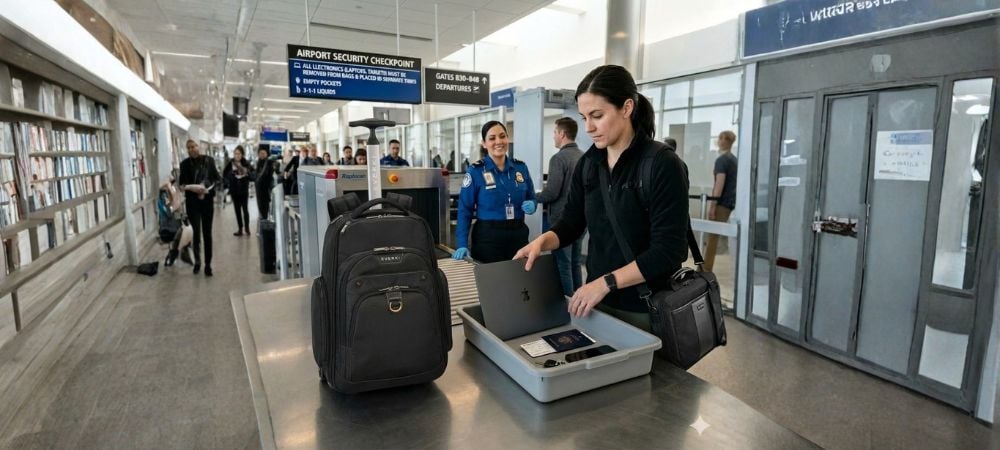
Typically, laptops must be removed from bags and placed in a separate bin for screening. This allows security officers to scan the device clearly.
However, certain travel bags, like Flight Briefcase from Everki, are designed with checkpoint-friendly compartments that allow the bag to open flat, reducing the need to remove the laptop entirely.
If you are carrying two laptops, you should be prepared to remove both devices at the security checkpoint unless your bag is specifically designed to streamline the process.
Some helpful tips include:
- Keep laptops in easily accessible compartments
- Avoid packing cables tightly around the devices
- Place laptops in padded sleeves to prevent damage during inspection
Preparing your devices properly can save time and reduce stress at busy airport security lines.
Choosing the Right Laptop Backpack for Travel
Not every bag is designed to carry multiple laptops safely. When selecting a travel bag, consider features that prioritize protection, organization, and comfort.
A high quality laptop backpack should include:
Dual Laptop Compartments
Separate padded sleeves ensure devices do not touch or scratch each other during travel.
Smart Organization
Professionals carry many accessories including:
- Chargers
- External drives
- Cables
- Mouse devices
- Tablets
Well structured compartments keep everything organized and easy to find.
Durable Construction
Frequent travelers need bags that can handle heavy use without losing structure or protection.
Comfortable Carrying System
Two laptops can add significant weight, so padded shoulder straps and breathable back panels are essential for comfort.
Smart Packing Tips for Traveling With Two Laptops
Even with the right laptop bag, packing correctly plays an important role in protecting your devices.
Here are practical tips to help you travel safely with two laptops.
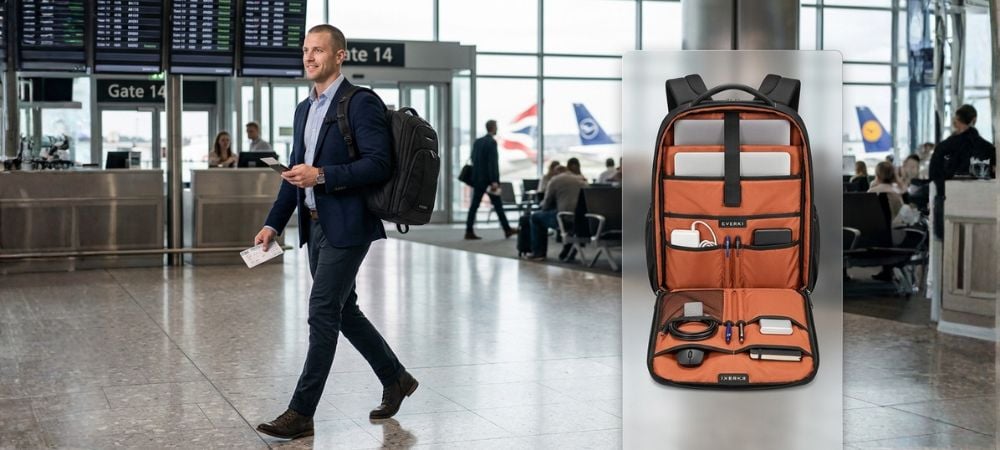
1. Use Dedicated Laptop Sleeves
Always place each device in its own padded compartment. Avoid stacking laptops directly on top of each other.
This prevents scratches and reduces the risk of damage during turbulence or accidental drops.
2. Position Laptops Close to Your Back
When using a laptop backpack, place heavier devices in compartments closest to your back. This improves balance and reduces strain while walking through airports.
3. Keep Chargers Organized
Loose cables can scratch laptop surfaces or create clutter during security checks.
Use internal pockets or organizers to store accessories neatly.
4. Protect Devices From Liquids
Avoid storing water bottles directly next to laptop compartments. Even minor leaks can damage sensitive electronics.
5. Keep Important Devices Accessible
During security checks, you may need to remove laptops quickly. Choose bags that allow easy access without unpacking the entire backpack.
A Practical Solution for Dual-Laptop Travelers
Professionals who travel frequently with two laptops need a bag that balances organization, durability, and professional design.
The Business 120 PRO is designed with mobile professionals in mind, offering structured compartments that support organized travel and secure device storage.
Travelers benefit from features that help them stay prepared, organized, and confident while moving between airports, meetings, and workspaces.
As described in the Everki story, the brand was created for mobile professionals who want to stay organized and ready for every journey. A purpose-built bag can make the difference between stressful travel and a smooth professional experience.
Avoiding Common Mistakes When Traveling With Two Laptops
Many travelers encounter problems simply because of poor packing strategies.
Here are common mistakes to avoid.
Overloading the Backpack
Adding too many accessories can make a bag heavy and uncomfortable to carry. Pack only essential items.
Using a Single Laptop Sleeve
Placing two devices in one sleeve increases the risk of scratches and pressure damage.
Ignoring Weight Distribution
Poor weight balance can cause shoulder strain during long walks through airports.
Packing Devices in Checked Luggage
Never place laptops in checked baggage. Always keep them in your carry-on or personal item.
Why a Laptop Backpack Is Better Than a Briefcase for Travel
While briefcases may look professional, they often lack the capacity and comfort needed for traveling with two laptops.
A well designed laptop backpack offers several advantages:
- Even weight distribution
- Hands free mobility
- Larger storage capacity
- Better organization
For professionals navigating large airports, backpacks provide far greater convenience and comfort.
Laptop Backpack Buying Guide for Frequent Travelers
Choosing the right bag can significantly improve your travel experience. According to a reliable laptop backpack buying guide the features that matter most for professionals are:
Structured Compartments
Separate padded sleeves for multiple laptops ensure safe storage.
Organized Accessory Storage
Dedicated pockets help prevent tangled cables and misplaced accessories.
Durable Materials
Travel bags should withstand constant use while maintaining their shape and protective structure.
Comfortable Carrying Design
Padded straps and ergonomic design reduce fatigue during long travel days.
Selecting a well-engineered backpack can make traveling with two laptops far more manageable.
Conclusion
Traveling with multiple devices may seem complicated at first, but the process becomes much easier once you understand airline rules and pack smartly.
The key to stress-free travel lies in preparation. Understanding carry-on vs. personal items rules, packing your devices properly, and choosing a reliable laptop bag designed for professionals can make all the difference.
For professionals who frequently travel with multiple devices, a well designed two laptop backpack ensures protection, organization, and comfort throughout the journey.
If you are looking for a premium travel solution built for modern professionals, explore the innovative backpacks from EVERKI. Designed with durability, organization, and professional mobility in mind, Everki backpacks help you travel confidently with the technology you rely on every day.
FAQs
Can I bring two laptops through airport security?
Yes. Most airports allow passengers to carry multiple laptops in their carry-on luggage. However, under TSA regulations, you may be required to remove each laptop from your bag during security screening.
Do airlines count laptops as carry-on items?
Laptops themselves are not counted separately. They must be packed inside your carry-on bag or personal item such as a laptop backpack.
Is a laptop backpack considered a personal item?
In most cases, yes. A laptop backpack usually qualifies as a personal item as long as it fits under the seat in front of you.
What is the safest way to carry two laptops while traveling?
The safest option is using a two laptop backpack that includes separate padded compartments for each device. This prevents scratches and protects the laptops from impact during travel.
Do I need to remove laptops from my bag during TSA screening?
Often yes. According to TSA regulations, laptops must typically be placed in a separate bin unless you are using a checkpoint friendly bag.
What should I look for when choosing a laptop travel bag?
A good laptop backpack buying guide recommends choosing bags with padded laptop compartments, organized accessory pockets, durable construction, and comfortable straps for long travel days.