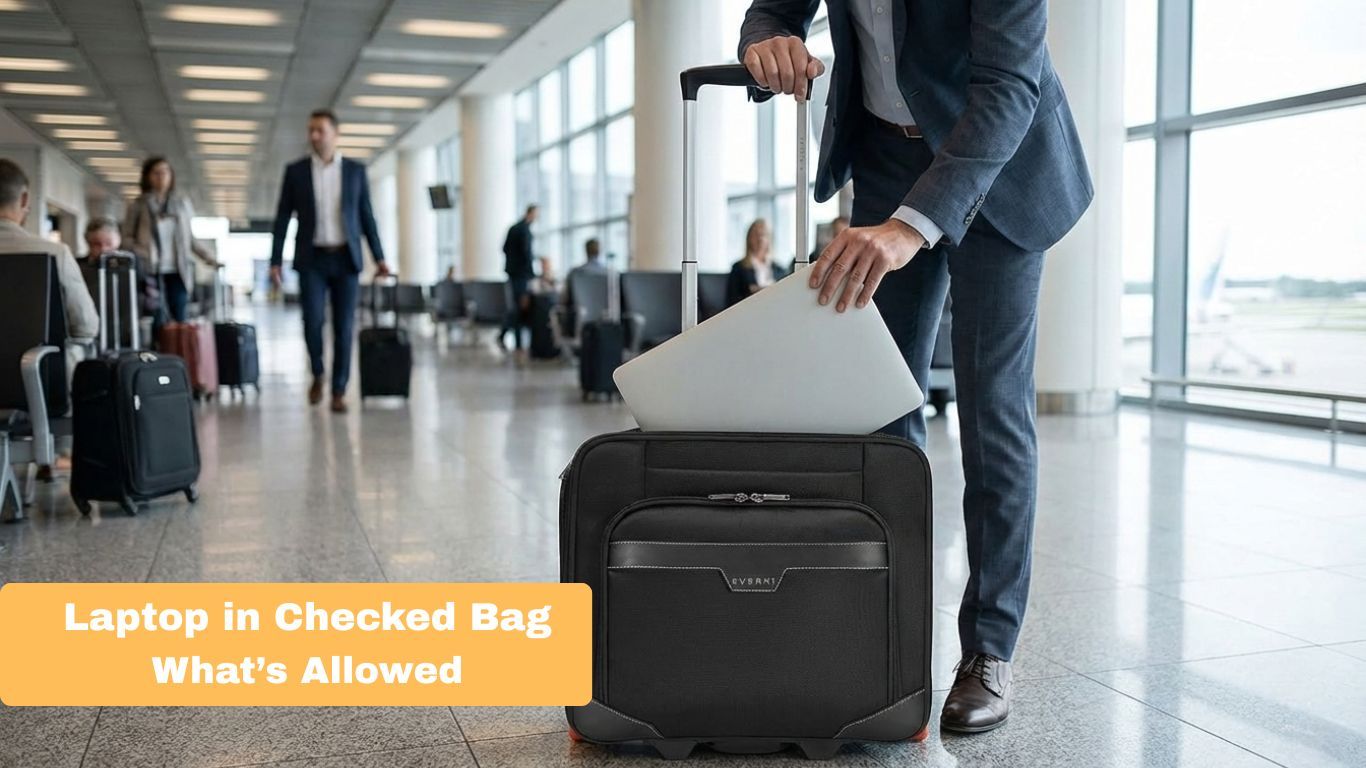
30 Seconds Summary
- Laptops are usually allowed in checked bags, but safety experts advise keeping them in carry-on.
- Lithium-ion batteries must be powered off, and large batteries may need airline approval. Spare batteries cannot go in checked luggage.
- If a laptop is placed in checked luggage, it can lead to fire hazards, physical damage, theft, and data loss. Airlines also offer limited compensation.
- Keeping your laptop with you protects your device, your data, and your money.
Are you flying soon? Are you going to carry a laptop with you? Are you not sure where it should go?
Many travelers ask the same question before heading to the airport, i.e., can you put a laptop in a checked bag?
Even though the answer is yes in most cases, it does not mean this is the best choice. There are safety rules, battery limits, and real risks you need to understand before you decide where your device should go.
Visit Everki today and find a laptop bag to keep your electronics secure.
What Do the Official Rules Say?

If you are asking, " Can I put my laptop in my checked bag, the answer is yes in most cases. The TSA and FAA do not ban laptops in checked baggage, and most airlines allow them. However, strict safety rules apply.
The laptop must be completely powered off, not in sleep or hibernate mode. Lithium-ion batteries can overheat or catch fire if damaged, which is why experts recommend keeping laptops in your carry-on bag.
Main safety rules include:
- Turn your laptops off fully.
- Pack it with padding to prevent damage.
- Make sure it cannot turn on by mistake.
- Check battery size, as large batteries may need airline approval.
Airlines also limit compensation for lost or damaged electronics, and some carriers have stricter rules. While it is allowed, keeping your laptop in your carry-on is usually the safer choice.
For smooth airport screening, shop Everki’s checkpoint-friendly laptop bags.
Battery Limits and Fire Safety
Battery safety is the main reason experts advise caution with checked laptops. Most devices use lithium-ion batteries, which can overheat or catch fire if damaged. If you are wondering, " Can I put a laptop in a checked bag, it largely depends on the battery inside.
Here are some of the main rules you should follow while putting laptops in checked bags:
- Power Off Completely: The laptop must be fully shut down, not in sleep or hibernate mode.
- Check Battery Size: Standard laptops under 100Wh are usually fine. Batteries between 100–160Wh need airline approval; over 160Wh are prohibited.
- Avoid Spare Batteries: Power banks or loose lithium batteries cannot go in checked luggage.
- Protect the Device: Use a padded sleeve or hard case and place it in the center of your suitcase surrounded by soft clothing.
These guidelines apply whether traveling domestically or on an international flight with a laptop in checked luggage.
Remember to always review your airline’s policies to avoid issues at the airport.
Why “Allowed” Does Not Mean “Safe”
Many travelers assume that if airlines allow laptops in checked luggage, it must be safe. In reality, “allowed” only means it is not prohibited; it does not guarantee protection.
Most common risks include:
- Fire Hazards: Lithium-ion batteries can short-circuit or overheat. If a fire occurs in the cargo hold, it is far harder to manage than in the cabin.
- Physical Damage: Checked bags are thrown, stacked under heavy items, and exposed to temperature changes. This can cause cracked screens, broken hinges, or failures of internal components.
- Theft and Security: Laptops are high-value targets. Once out of your possession, they are more vulnerable to theft or tampering.
- Limited Liability: Airlines often do not fully compensate for lost or damaged electronics in checked baggage.
- Data Risk: Leaving your device in the hold increases the chance of unauthorized access or malware if the bag is inspected.
For these reasons, keeping your laptop in a carry-on bag is strongly recommended.
If you need a durable laptop bag, explore options from Everki.
TSA Policy on Laptops
Understanding laptops and TSA rules is essential for easy airport travel. The TSA asks that laptops be removed from carry-on bags and placed in a separate bin for X-ray screening. Tablets and other large electronics must also go in their own bin.
- TSA Regulations on Laptops: Laptops are allowed in carry-on and checked bags, but carry-on is safer to avoid damage, theft, or fire risks.
- Security Process: Remove your laptop unless you have TSA PreCheck, which often lets you keep it in your bag.
- Power: Keep your laptop charged in case TSA asks to turn it on.
- Tips: Pack your laptop where it’s easy to reach and avoid placing liquids in the same bin.
Following TSA laptop restrictions keeps your device safe and speeds up security checks.
To better understand the full TSA rules for checked bags, read Everki’s helpful guide.
Laptops in Checked Luggage on International Flights
If you are planning a long trip, you might worry about carrying a laptop in checked luggage on an international flight. The good news is that global aviation standards are similar. Organizations such as the UK Civil Aviation Authority follow safety guidelines comparable to those in the United States.
Still, individual airlines may apply their own policies. Some budget carriers have additional requirements for electronics in checked baggage. If you are taking a laptop on an airplane, it is always best to check your airline’s website in advance.
Whether domestic or international, the safest practice remains the same: keep your laptop with you whenever possible.
What Happens Inside the Cargo Hold?
The cargo hold is a secure, pressurized compartment, but it is not gentle on luggage. Bags are stacked, shifted, and moved during flight, which makes it a risky place for fragile electronics. If you are wondering, " Can I put a laptop in a checked bag, it’s important to understand the environment your device will face.
Temperature can fluctuate, especially during loading and ground handling. While many modern aircraft have conditioned cargo areas, they are not climate-controlled like the passenger cabin. Noise, darkness, and constant movement add to the stress on delicate components.
If you decide to check in a laptop with luggage, remember that these physical risks come with financial consequences. Airlines often limit compensation for damaged electronics, so even minor impacts or scratches may not be covered. For safety and peace of mind, keeping your laptop in your carry-on is still the recommended choice.
If You Must Check Your Laptop
Sometimes you have no choice. Overhead bins fill up, or airline staff may require you to gate-check your bag. If you need to fly with a laptop, take these precautions to reduce risk.
- Shut down your laptop fully.
- Use a hard-shell case and wrap it in thick clothing. Place it in the center of your suitcase, away from the edges.
- Back up essential files and consider removing sensitive information.
- Do not pack spare lithium batteries, chargers, or metal items with the laptop.
- And check airline rules, because some airlines forbid laptops in checked luggage due to battery safety regulations.
Even when you follow all these steps, a laptop in hold luggage is still exposed to theft, damage, and fire risk.
Business Travel and Data Protection

For business travelers, the risk goes beyond physical damage. Many companies prohibit employees from placing work devices in checked luggage. A lost laptop can create serious compliance and data protection issues.
If you are bringing a laptop on a plane for work, keeping it close is better for control and security. Even encrypted systems can cause delays and stress if misplaced.
For professionals, the safest practice is simple: carry it onboard.
Looking for a versatile laptop backpack for work and travel? Visit Everki’s collection today!
Insurance and Financial Considerations
Checked bag laptop carries real financial risk. Airlines limit compensation for lost or damaged baggage, and these limits are often far below the original cost:
- Domestic and International Flights: In the U.S., airlines usually pay up to $3,800. For international flights, the limit is around $1,700 - $2,000.
- Airline Rules: Many airlines do not cover valuable electronics in checked bags.
- Travel Insurance: Standard insurance often pays only part of the laptop’s value. Credit card coverage may help, but it usually has low limits.
Even though laptops on planes are allowed, checking them can cost more if something happens.
Over to You
So, let’s answer the question clearly. Can you put a laptop in a checked bag? Yes, in most cases you can. But safety experts, airlines, and aviation authorities strongly suggest that you avoid doing so unless absolutely necessary.
Visit Everki today and find a bag designed for modern travel.
FAQs
Q: Can I take my laptop on a plane?
A: Yes, you can take your laptop on a plane; you can carry it in both carry-on and checked baggage, though carry-on is safer.
Q: Are there restrictions on laptops on flights?
A: Yes, battery size limits apply worldwide, especially above 100Wh. You should always confirm your airline policies.
Q: Can I use my laptop on a plane?
A: Yes, you can use your laptop on a plane once the crew allows electronic devices after takeoff.